
01
Digital switching
Mechanical switches and circuit breakers are replaced with programmable digital distribution where circuits can be monitored, named and grouped.
Control, monitoring and automation of onboard electrical and electronic systems through digital power distribution, NMEA 2000 networking and a tailored user interface.
EmpirBus enables centralised control and distributed modules: less cabling, cleaner distribution, better diagnostics and system overview on a screen, tablet or phone.
Mechanical switches and circuit breakers are replaced with programmable digital distribution where circuits can be monitored, named and grouped.
The interface can show custom pages, icons, circuit names, tank status, power and scenarios for the actual vessel layout.
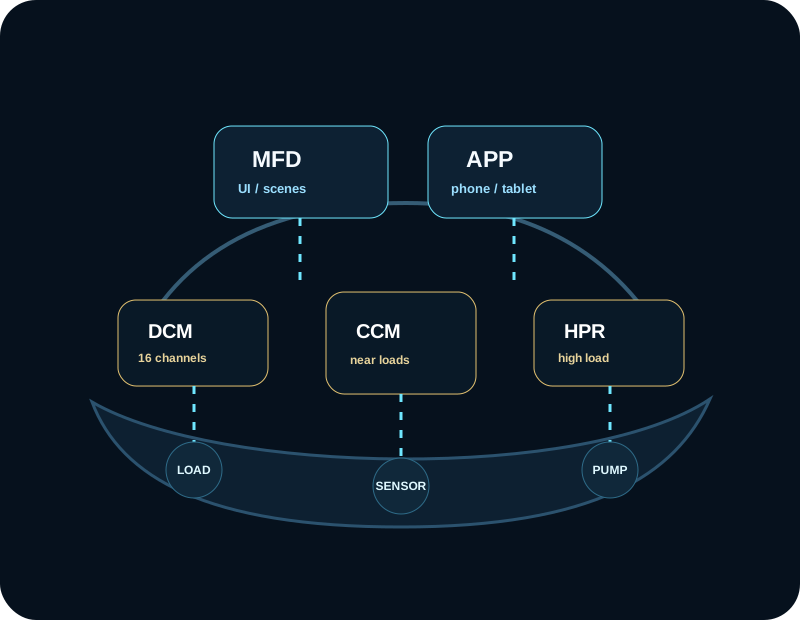
CCM/DCM modules are mounted closer to the equipment they control, reducing cable runs and simplifying service.
Logic can be built for lighting scenes, start sequences, load shedding, alarms, automatic pumps, ventilation and safety conditions.
The system can display statuses, consumption, warnings, abnormal use and events that help diagnostics and maintenance.
Instead of one overloaded switch cabinet, modules are distributed around the vessel, connected to the NMEA 2000/CAN layer and controlled from an interface configured for the specific boat.
EmpirBus devices connect to a network backbone compatible with NMEA 2000/Micro-C connectors.
Channels are mapped to lights, pumps, wipers, horns, relays, motors, tanks and sensors.
The system supports switches, sensors, digital inputs and EnOcean wireless switches where practical.
Control can be organised through graphic pages, mobile access and simple scenes for crew or owner.
The EmpirBus interface does not have to be just a list of switches. Pages can be graphically tailored to the vessel, crew priorities and navigation-system language.
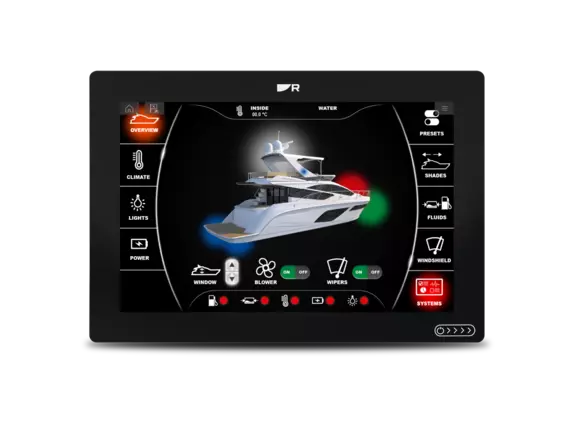
Status and controls organised by zones and functions.
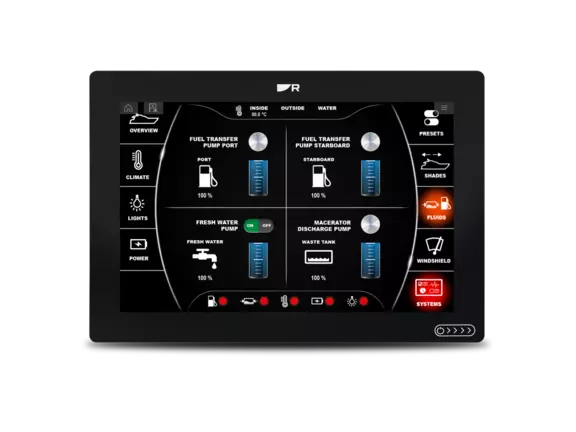
Levels, pumps, valves and related alarms.
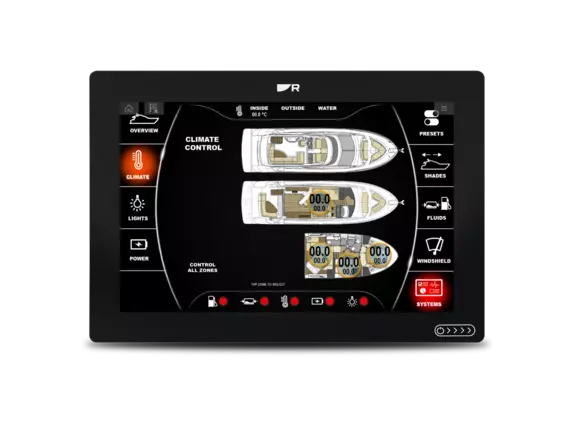
Scenarios for air-conditioning, zones and day/night use.

Overview of consumption, main circuits and power status.
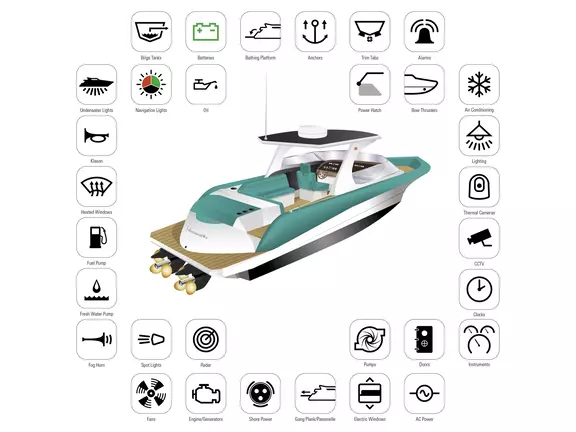
Lighting, wipers, horn, security, entertainment and auxiliary systems.
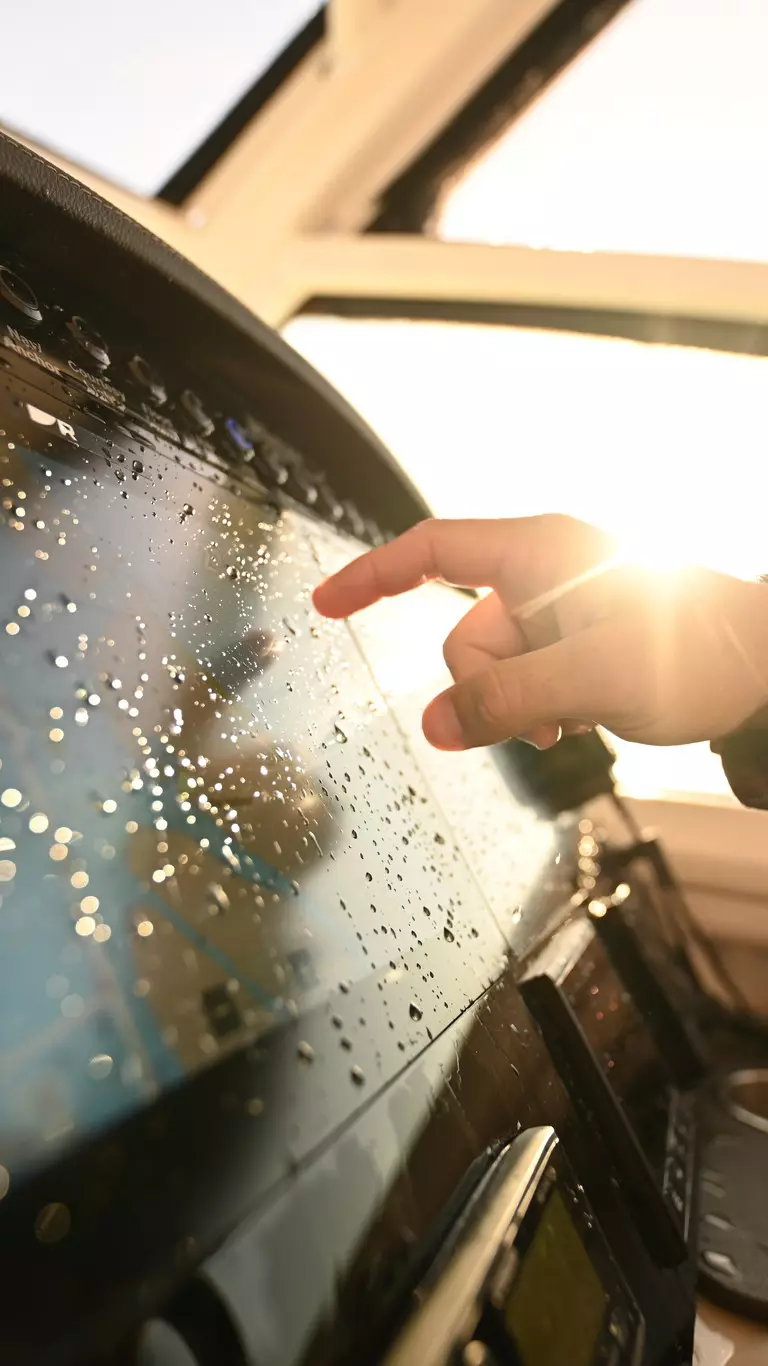
Screen control while keeping a clean cockpit layout.
From compact DCM solutions to HPR variants and configuration tools, the key is to create an accurate channel list before choosing modules.
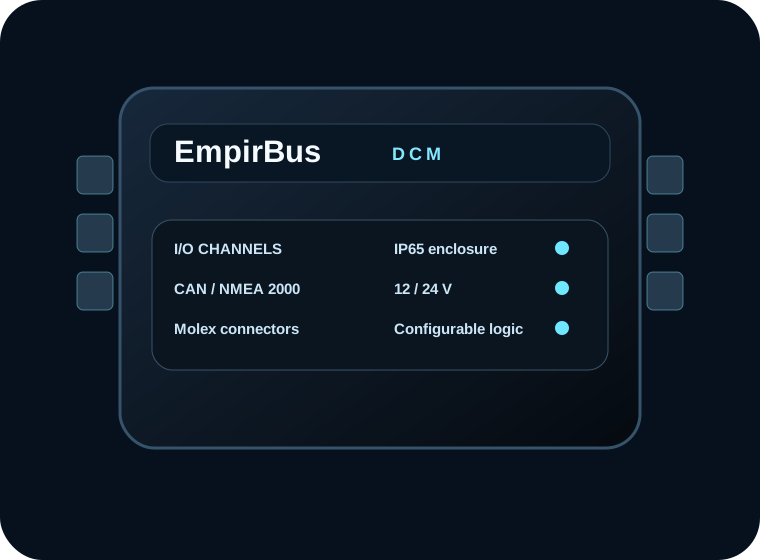
Compact DCM for smaller or simpler installations with a mix of inputs, outputs, CAN/RS485/LIN buses and per-channel protection.
A higher-load variant with 16 configurable bidirectional I/O channels and up to 100 A total load according to published data.
Digital Control Module with 16 configurable channels, NMEA 2000 compatible connector, Molex connectors and IP65 enclosure.
Tools and interfaces for logic, channels, graphic pages, automatic functions and commissioning.
The form collects the data needed for EmpirBus: vessel type, voltage, number of circuits, existing equipment, upgrade goal and integration level.
Review of existing panels, breakers, loads, power supply, module locations and available photos.
List of all inputs, outputs, loads, sensors, manual switches and critical systems that must remain available.
Selection of Connect/DCM/HPR modules based on channels, current, location and network topology.
Graphic pages, zone names, scenes, alarms, interface language and logic for crew or charter use.
Channel checks, safety functions, override scenarios, labelling and documentation for future service.

The best result comes when digital switching is planned together with power, navigation, comfort and service access.
The contact form is built for digital switching inquiries: the more technical data you send, the easier it is to review modules, channels and integration.